This week focused on turning SpecRails Hub into a richer daily workspace: a more visual dashboard, better spec triage, deeper control over AI context, and new ways to split or compare work before it reaches implementation.
The tagged release this week was specrails-hub 1.54.2, a patch for dashboard context menus. The larger product work below is the main body of changes prepared across the week.
The Dashboard becomes a workspace
The biggest visible change is the dashboard itself.
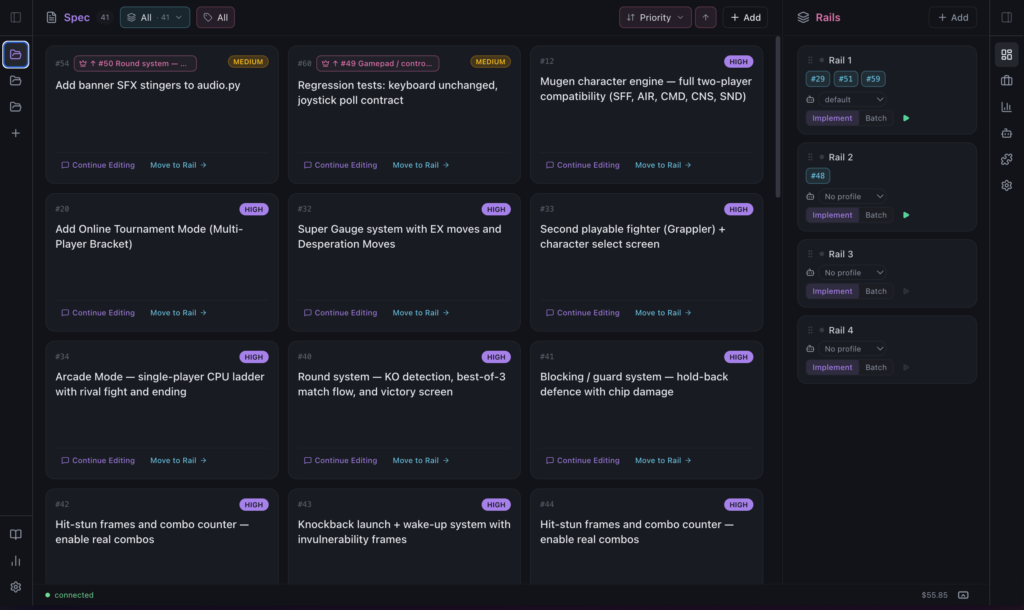
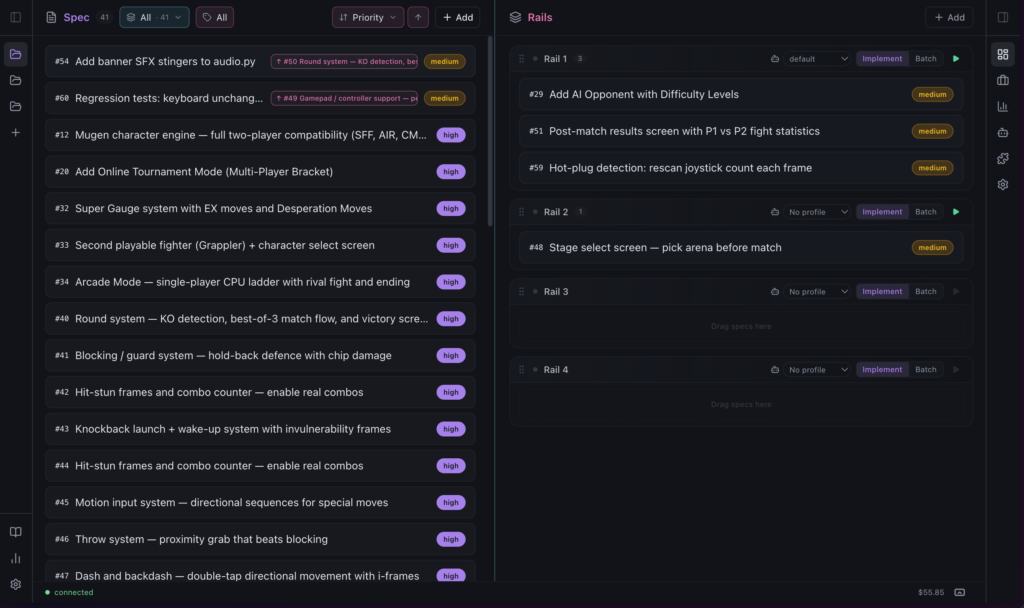
The fixed 50/50 split between Specs and Rails is now a draggable splitter. Each project remembers its preferred layout, and the left side morphs through three views as it gets more room:
- Row view for dense scanning.
- Card view for mid-width triage.
- Post-it view for a broader planning board.
Post-it cards show the ticket id, title, priority, dependency state, parent epic when relevant, and a short AI-generated summary when the ticket has one. The goal is simple: understand the shape of a spec without opening the modal every time.
Rails also received a compact layout for narrow space. Instead of becoming unreadable when collapsed, each rail becomes a small operational card with mode, profile, run controls, logs, and clickable spec id pills.
Faster movement between specs and rails
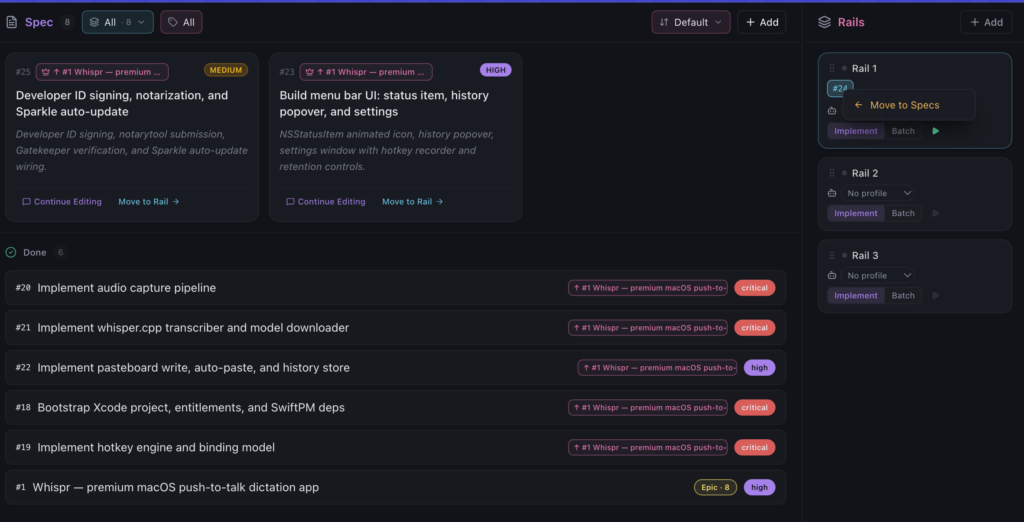
The dashboard now has more direct manipulation around assignment:
- Move a post-it to a rail from an inline popover.
- Move a ticket from the detail modal without leaving the conversation flow.
- Remove specs from rails through contextual actions.
- Use right-click menus again on specs and rail pills.
Several drag-and-drop regressions were also cleaned up: post-it dragging, row-mode dragging, drag overlays, long-press handling, and splitter cursor tracking.
SPECs SMASH
Large specs can now be split into executable children Spec with SPECs SMASH.
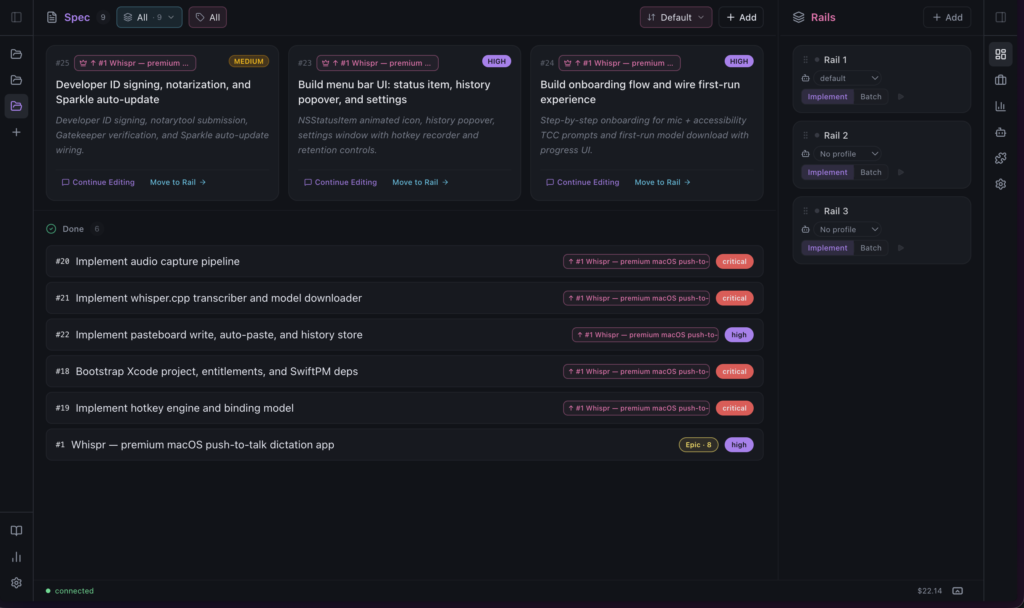
When a committed spec has a Contract Layer, the Hub can turn it into a parent epic plus ordered child tickets. The AI decomposition creates 3-8 focused subtasks, keeps the original spec as the epic, and shows the resulting hierarchy in the modal and on the board.
SMASH also records its own AI invocation surface, so spending analytics can distinguish decomposition work from Explore, quick specs, AI edits, and jobs.
Better control over AI context
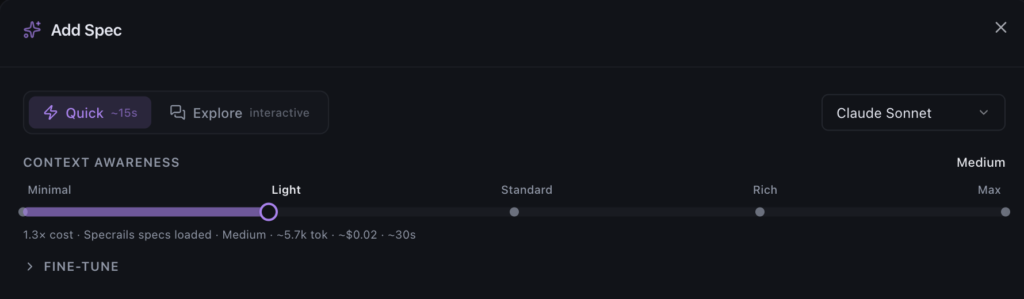
Add Spec moved from a fixed context strategy to explicit per-spec context control.
Quick Spec
Explore Spec
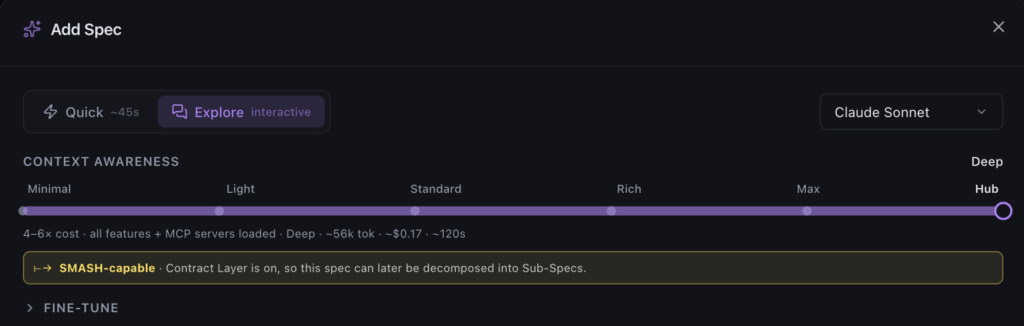
The earlier checkbox-style scope picker evolved into a 6-stop slider:
- Minimal
- Light
- Standard
- Rich
- Max
- Hub
Each stop controls how much context the AI receives: SpecRails specs, OpenSpec specs, full codebase access, external MCP tools, and Contract Refine. The modal now exposes a clearer cost signal before launch, instead of forcing users to mentally combine several independent toggles.
This also makes Explore decisions local to the spec being created. Project-level Explore settings for MCP and Contract Refine were removed as sources of truth; the context captured at creation time now owns that behavior.
Contract Layer refinement
Explore Spec gained a stronger Contract Layer workflow.
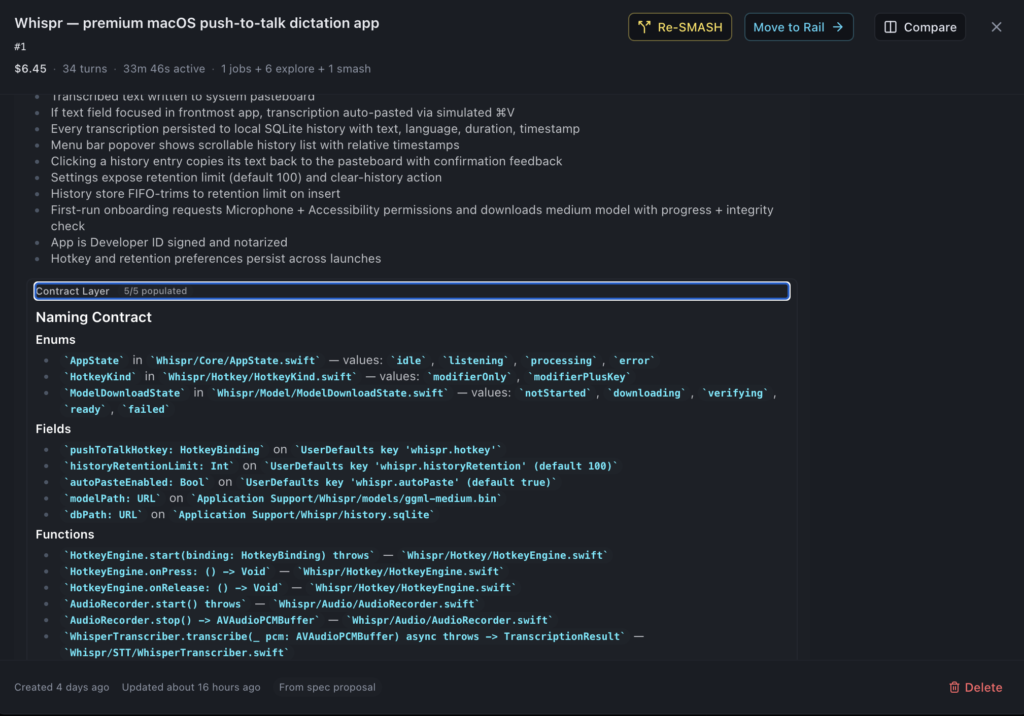
After a user commits a draft, SpecRails can run a refinement pass that fills in implementation anchors: naming contracts, data shapes, state machines, invariants, and file touch lists. This gives downstream agents more precise constraints, so they spend less time rediscovering decisions that were already made during exploration.
Quick mode can also opt into Contract Refine when the user wants a faster path with a stronger implementation contract.
Stop long Explore turns
Explore Spec now has a Stop action while a turn is streaming.
If the model starts going in the wrong direction, the user can interrupt it from the Explore composer and continue the same conversation with the partial output preserved. The same Cmd/Ctrl+Enter behavior that sends while idle can stop while streaming.
SpecsBoard triage tools

The SpecsBoard picked up several quality-of-life improvements for larger backlogs:
- Sort by default order, ticket number, or priority.
- Persist sort mode and direction per project.
- Filter by status with a dropdown.
- Filter labels from a dropdown instead of a fixed row.
- Drop the fixed Done drawer in favor of a cleaner board flow.
Together with the new post-it tier, the board is less like a static list and more like a triage surface.
Split-view spec comparison
Spec comparison now has a tablet-style split view.
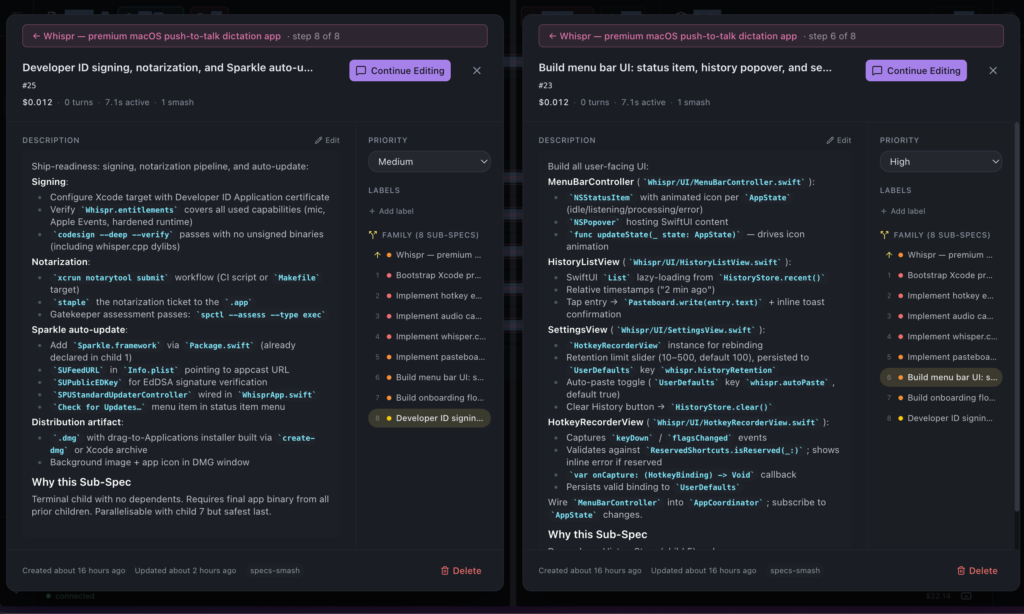
A ticket modal can be snapped to one side of the screen, with a picker on the other side. Selecting another spec opens both tickets side by side, with independent scrolling and interaction.
There is also a Compare button for discoverability, a draggable divider, and URL state so a comparison can survive refreshes.
Sidebar and documentation polish
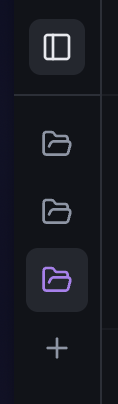
Sidebars now support three states instead of a simple pinned/unpinned toggle:
- Pinned open.
- Pinned collapsed.
- Unpinned with hover reveal.
That gives more control to users who want the screen space without accidental hover expansion.
The documentation tree was also reorganized into clearer user-facing and internal sections, including getting started, creating specs, CLI usage, terminal behavior, cost tracking, running pipelines, and internals.
Patch: v1.54.2
specrails-hub 1.54.2 restored dashboard context menus:
- Right-click menus work again on dashboard specs.
- Change Status and Set Priority submenus are no longer clipped.
- Rail spec pills can be moved back to Specs from compact and normal rail layouts.
PRs:
- https://github.com/fjpulidop/specrails-hub/pull/308
- https://github.com/fjpulidop/specrails-hub/pull/309
Code
- https://github.com/fjpulidop/specrails-hub